
Example: John West
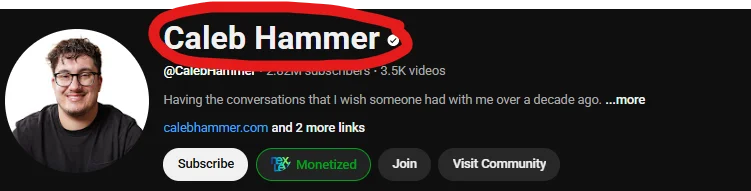
To get your YouTube Channel Page URL, follow the below steps:
Open your YouTube app on your phone
Click on the "You" icon in the bottom right of your screen
Click on your profile picture
Click the 3 dots in the top right corner
Click "Share"
Click "Copy link"